Playground
Nook
An inspiration archive for creatives to save, organize, and revisit references in a more immersive way.
Nook is an inspiration archive for designers and creatives to collect, organize, and revisit visual references in a more immersive way. I built it as a personal product experiment to explore how inspiration tools can move beyond passive saving and become a reflective creative workspace.
Why I Built It
Creatives constantly collect screenshots, links, images, and references, but those materials often end up scattered across Pinterest boards, browser tabs, Figma files, folders, and camera rolls. The harder part is not saving inspiration — it is returning to it later with enough context, emotion, and clarity to turn it into creative direction.
Problem
Most inspiration tools are optimized for storage. They help users save content, but they do not always support the more intuitive parts of the creative process: noticing patterns, revisiting old ideas, connecting references, and rediscovering visual direction over time.
Product Concept
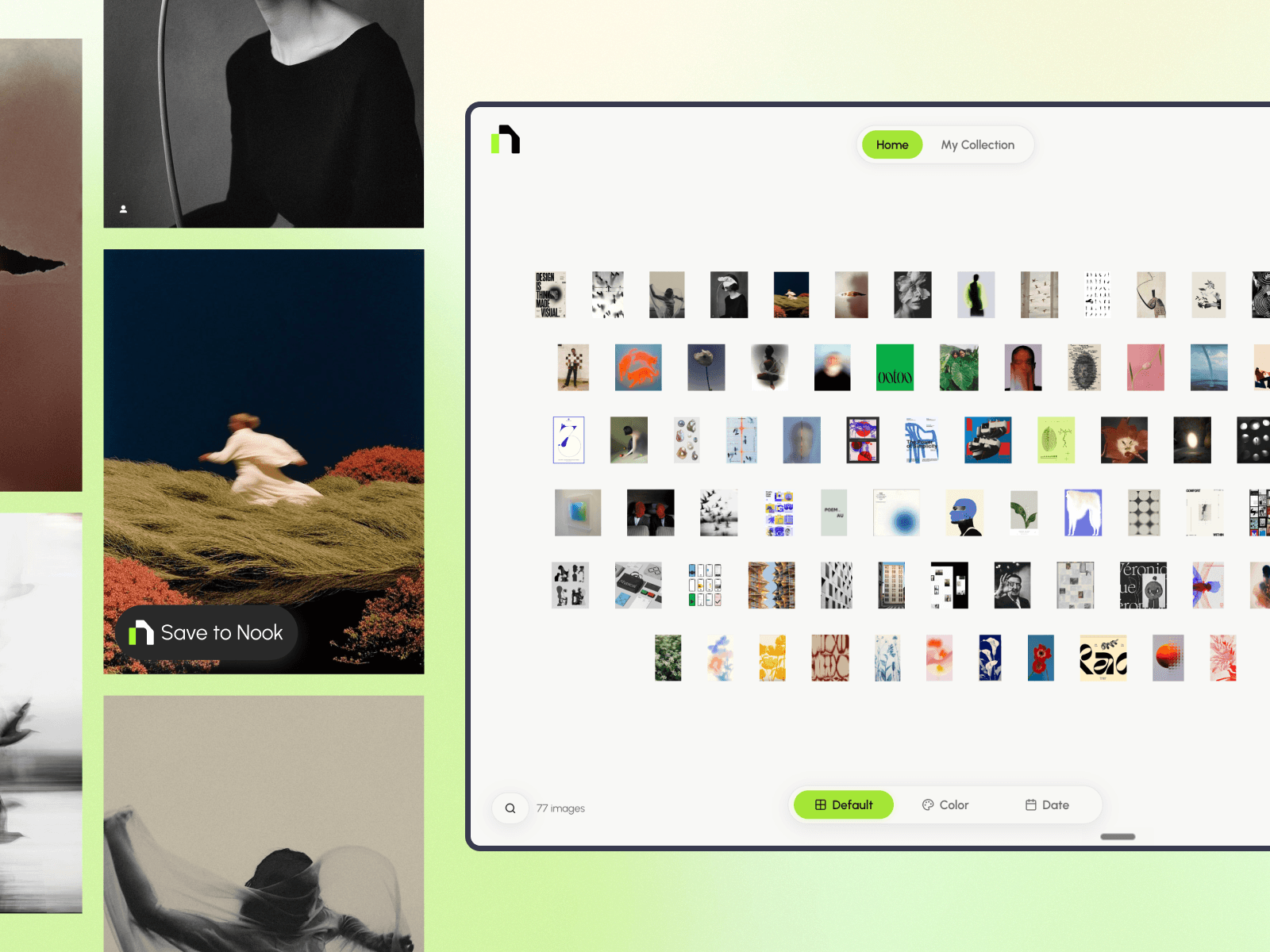
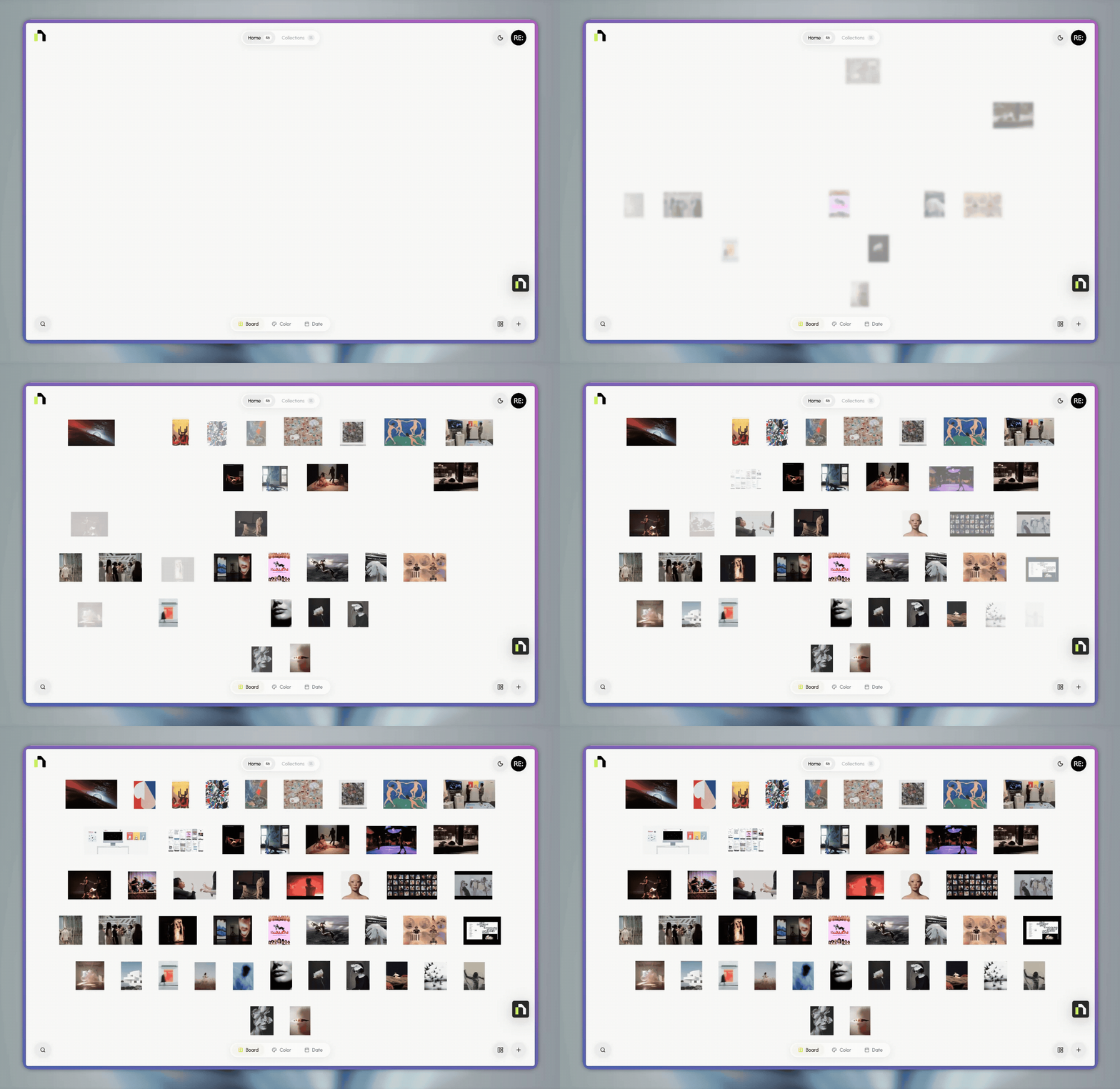
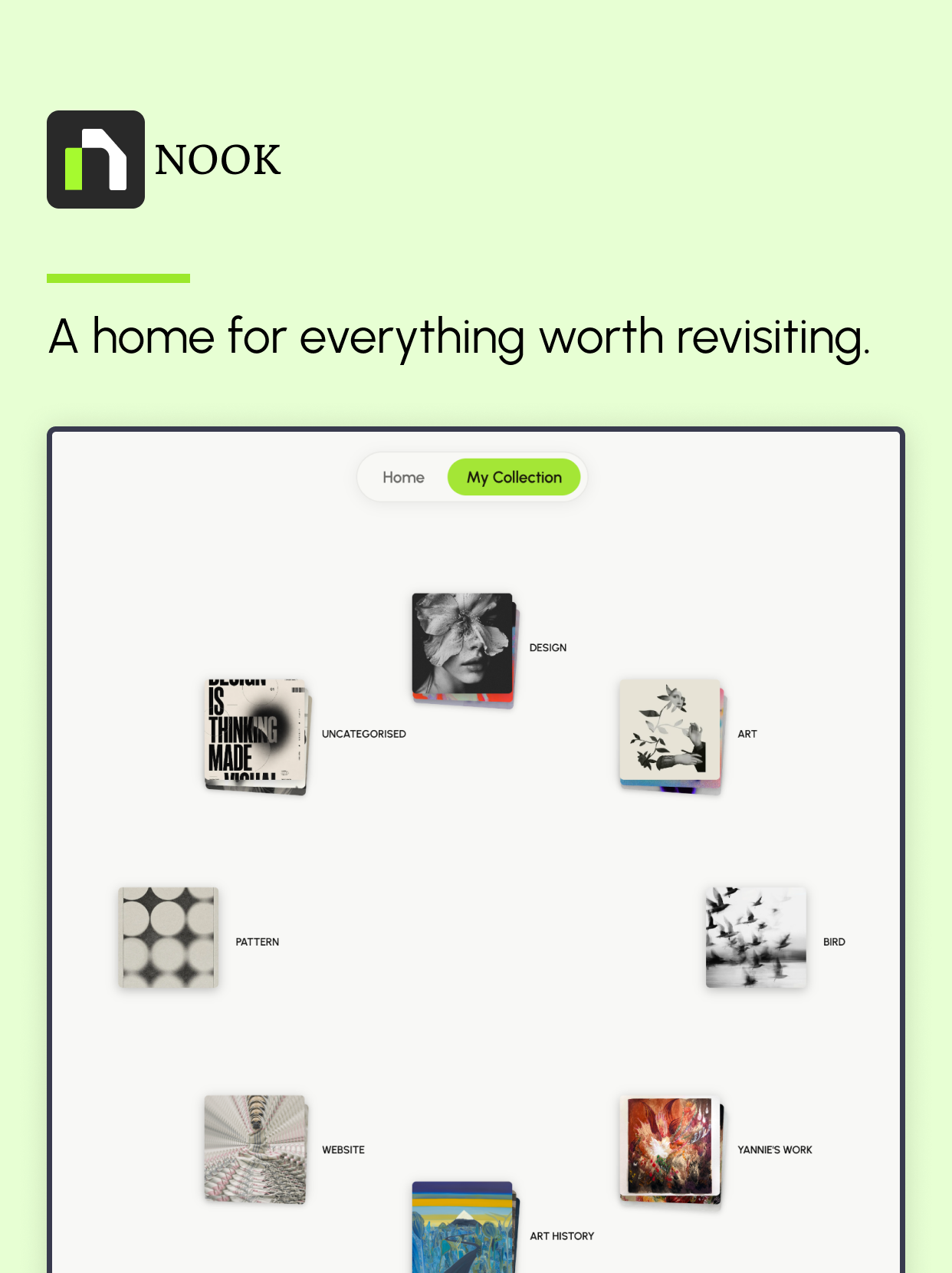
Nook turns saved inspiration into a quiet visual space. Users can collect references, organize them into collections, browse through color, and revisit past inspiration in a more intentional way. Instead of treating inspiration as a static archive, Nook frames it as a living creative memory system.
Key Features
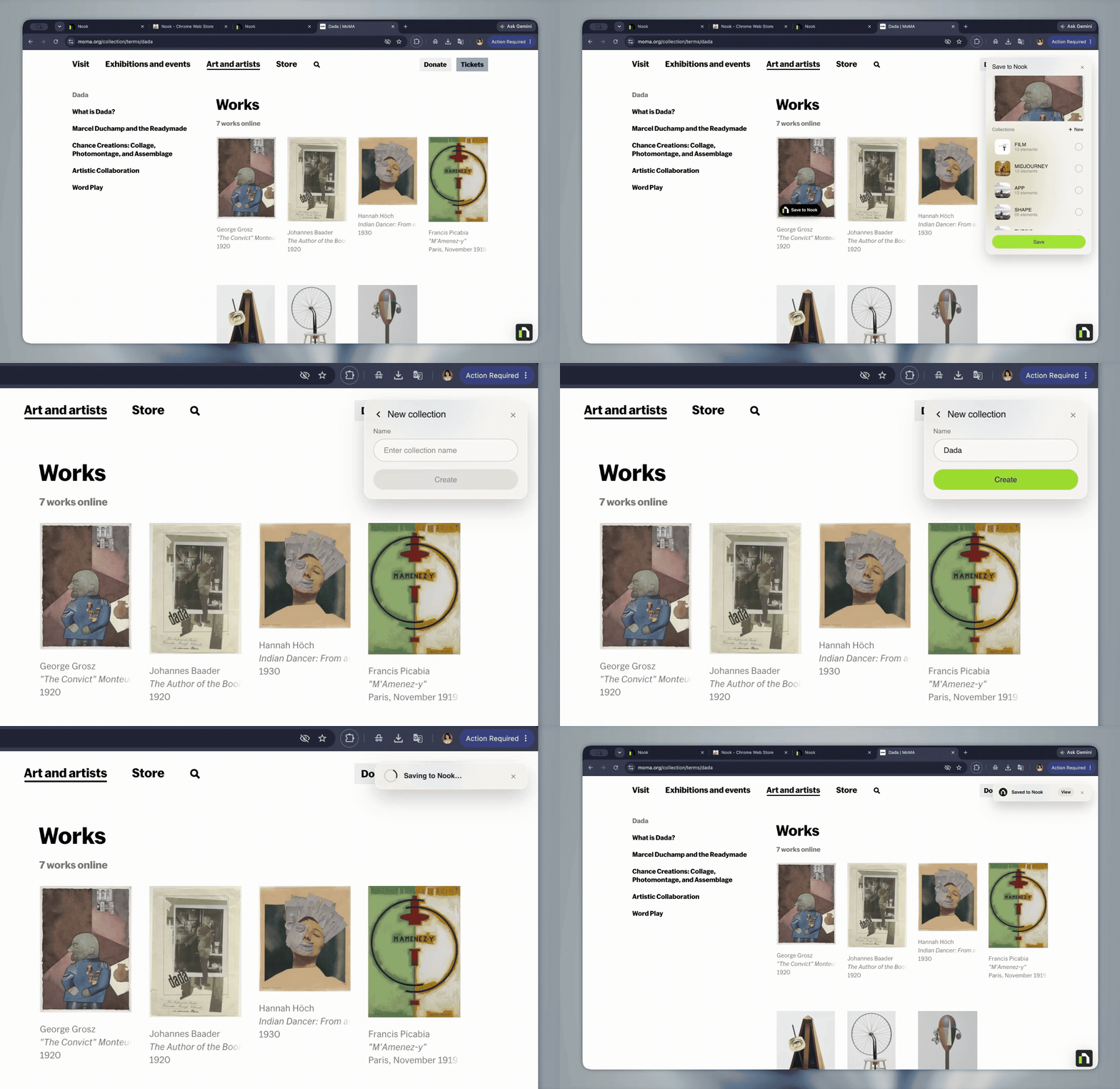
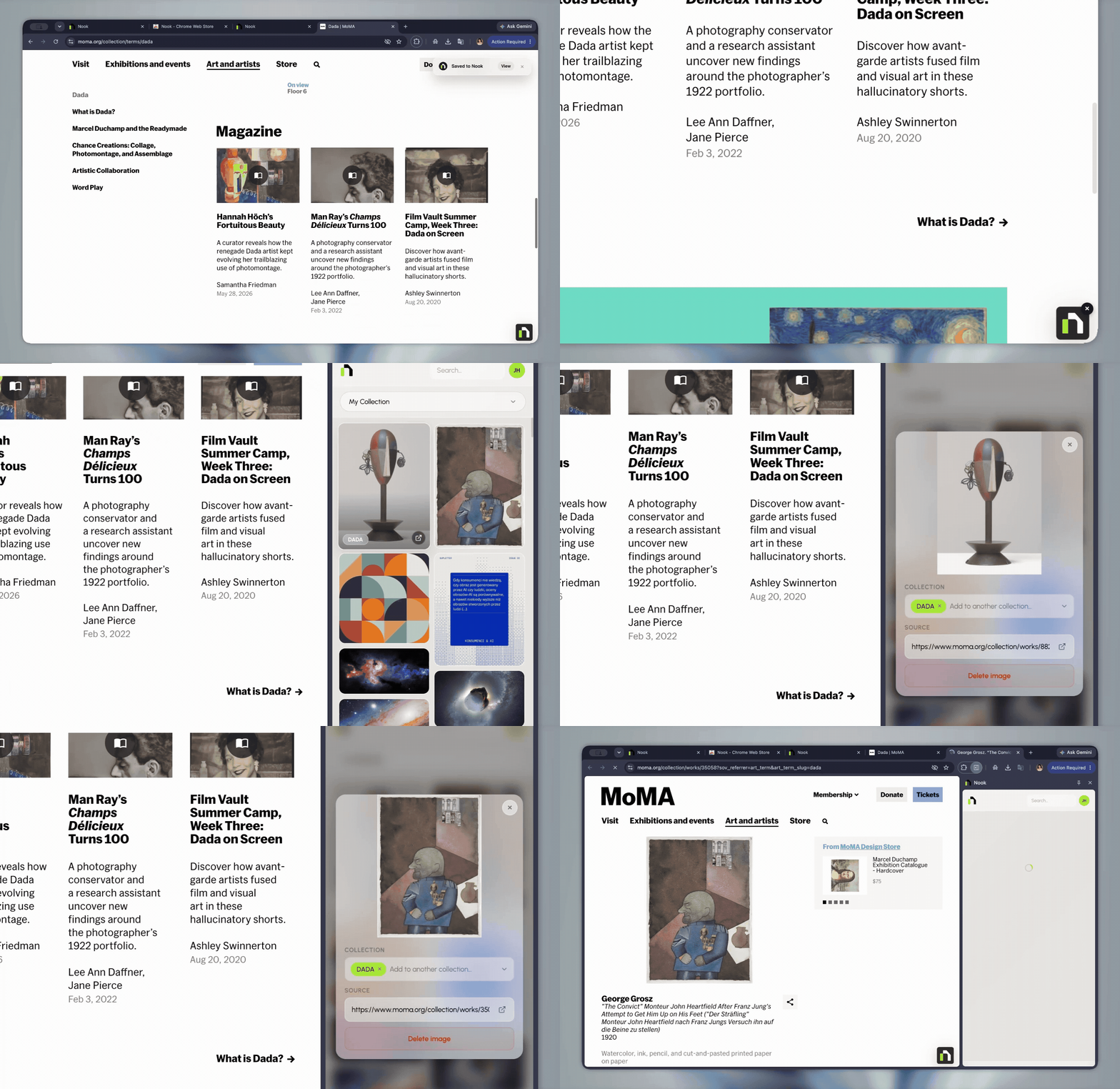
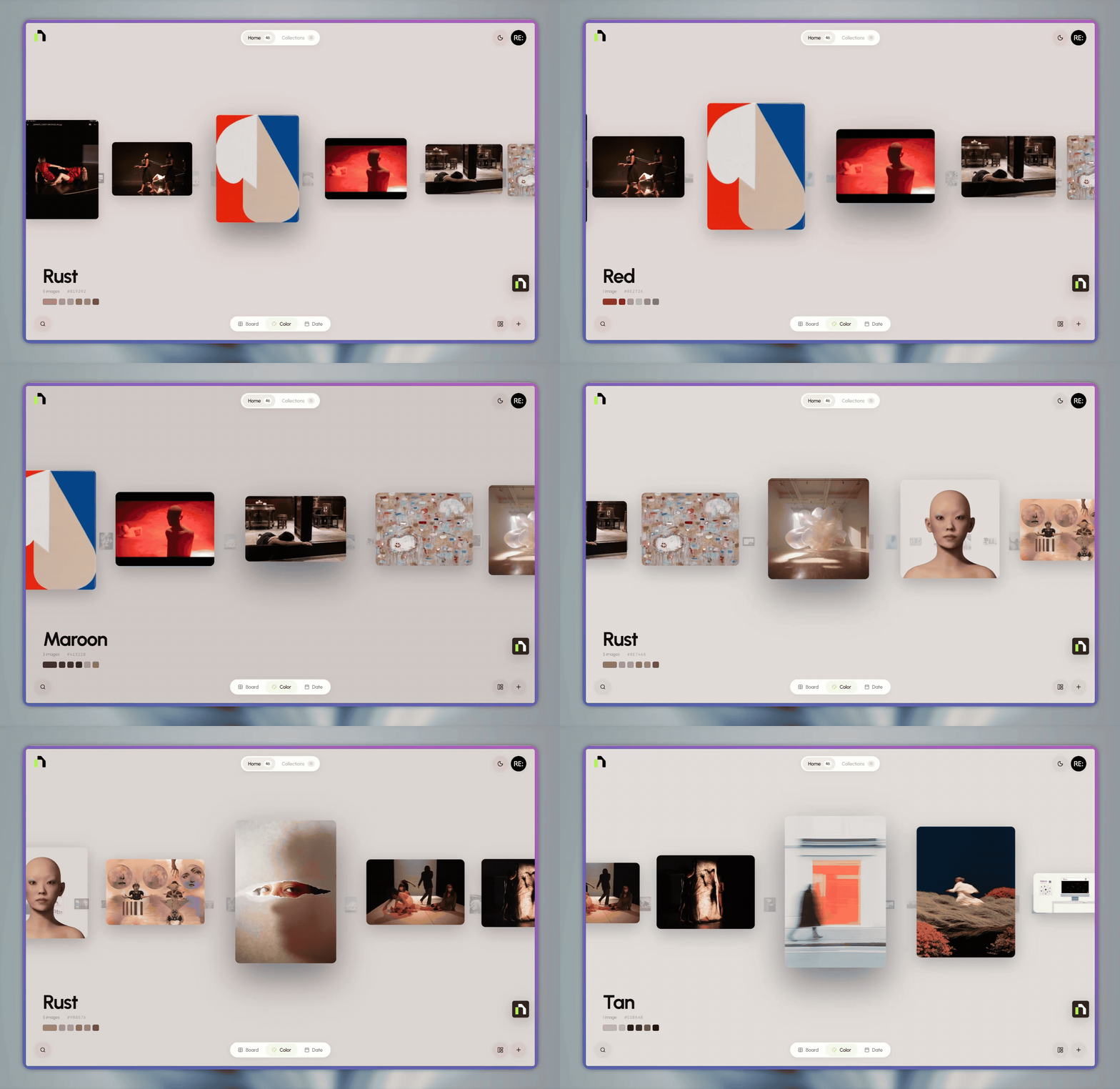
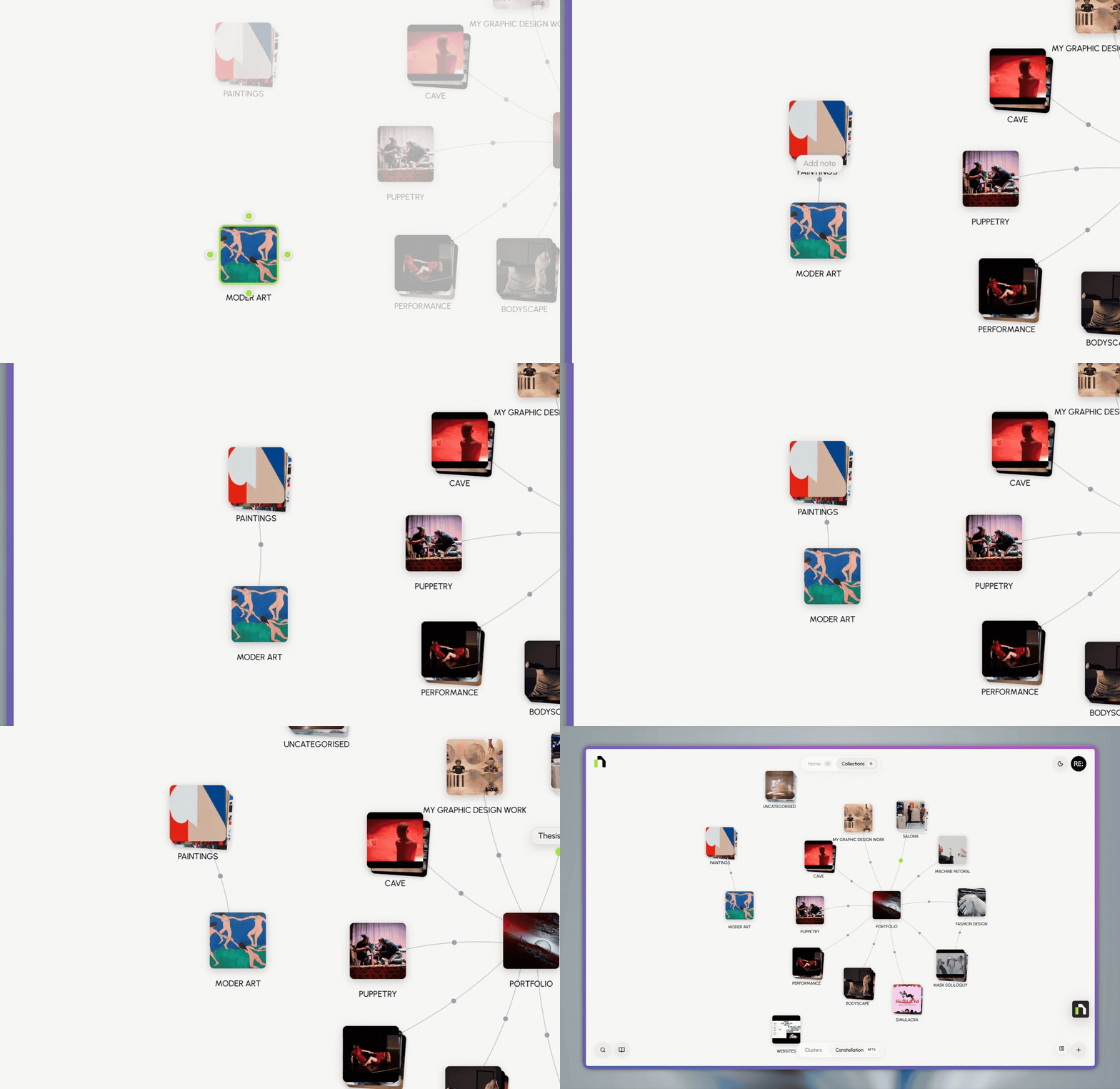
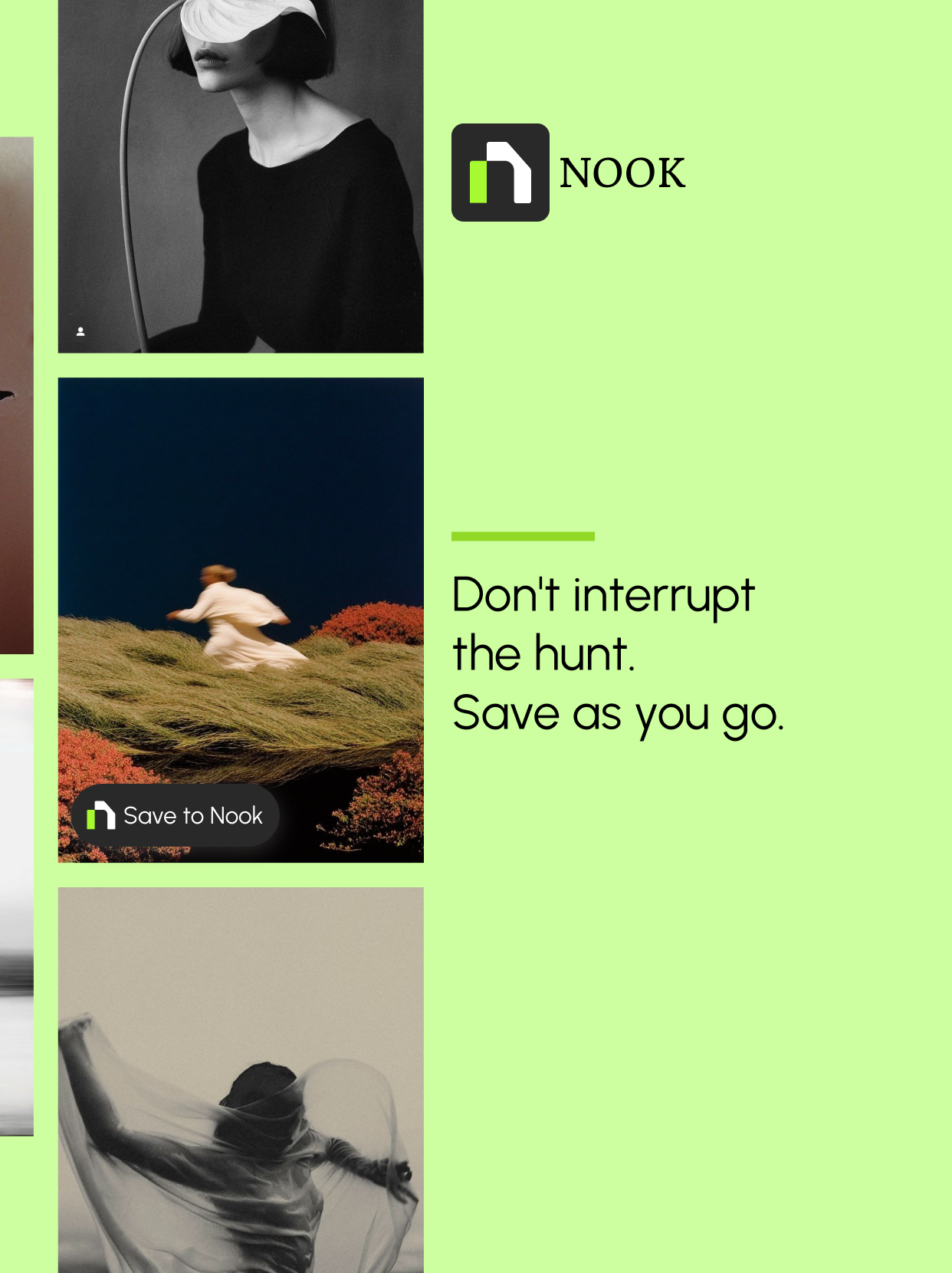
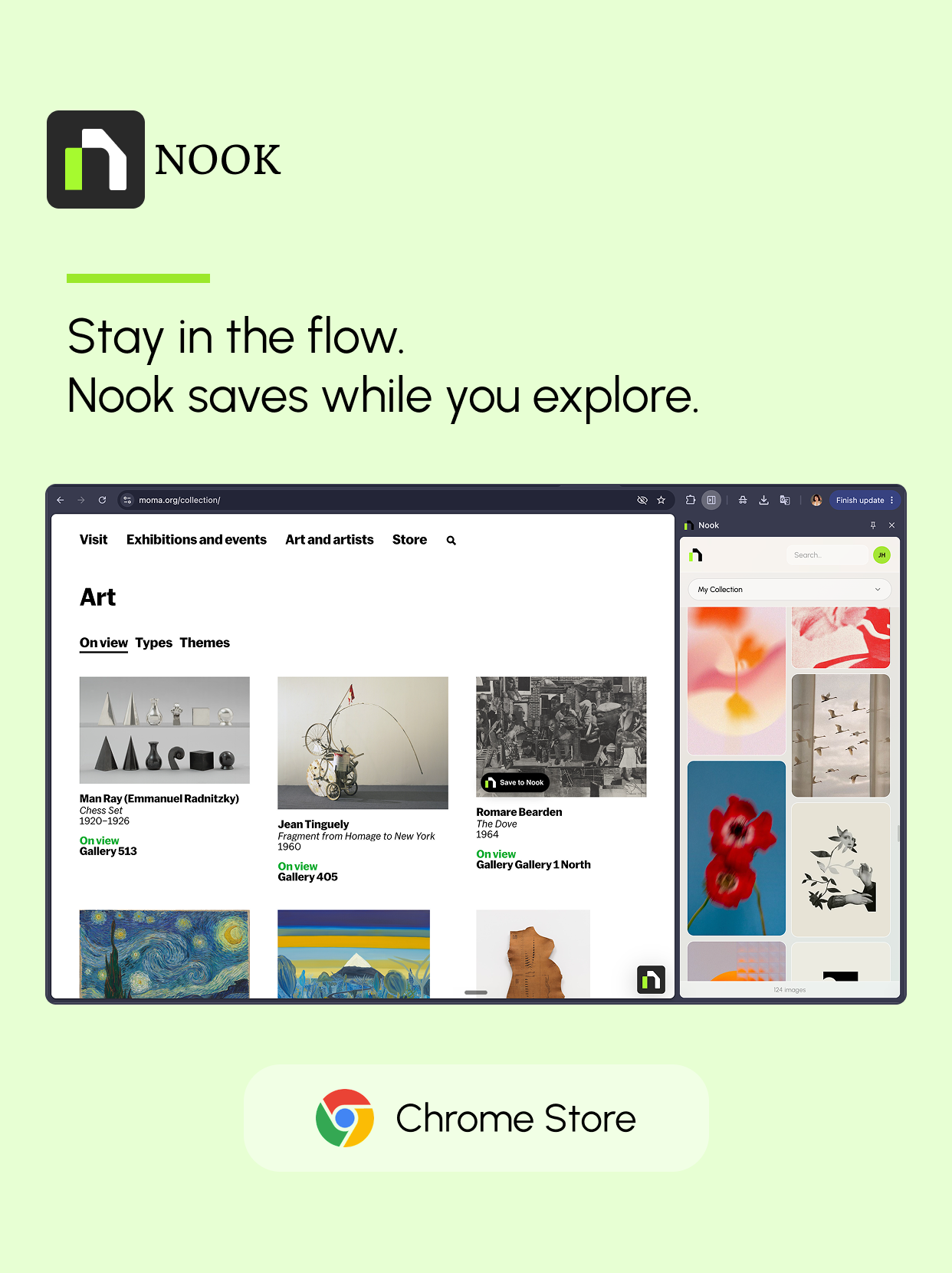
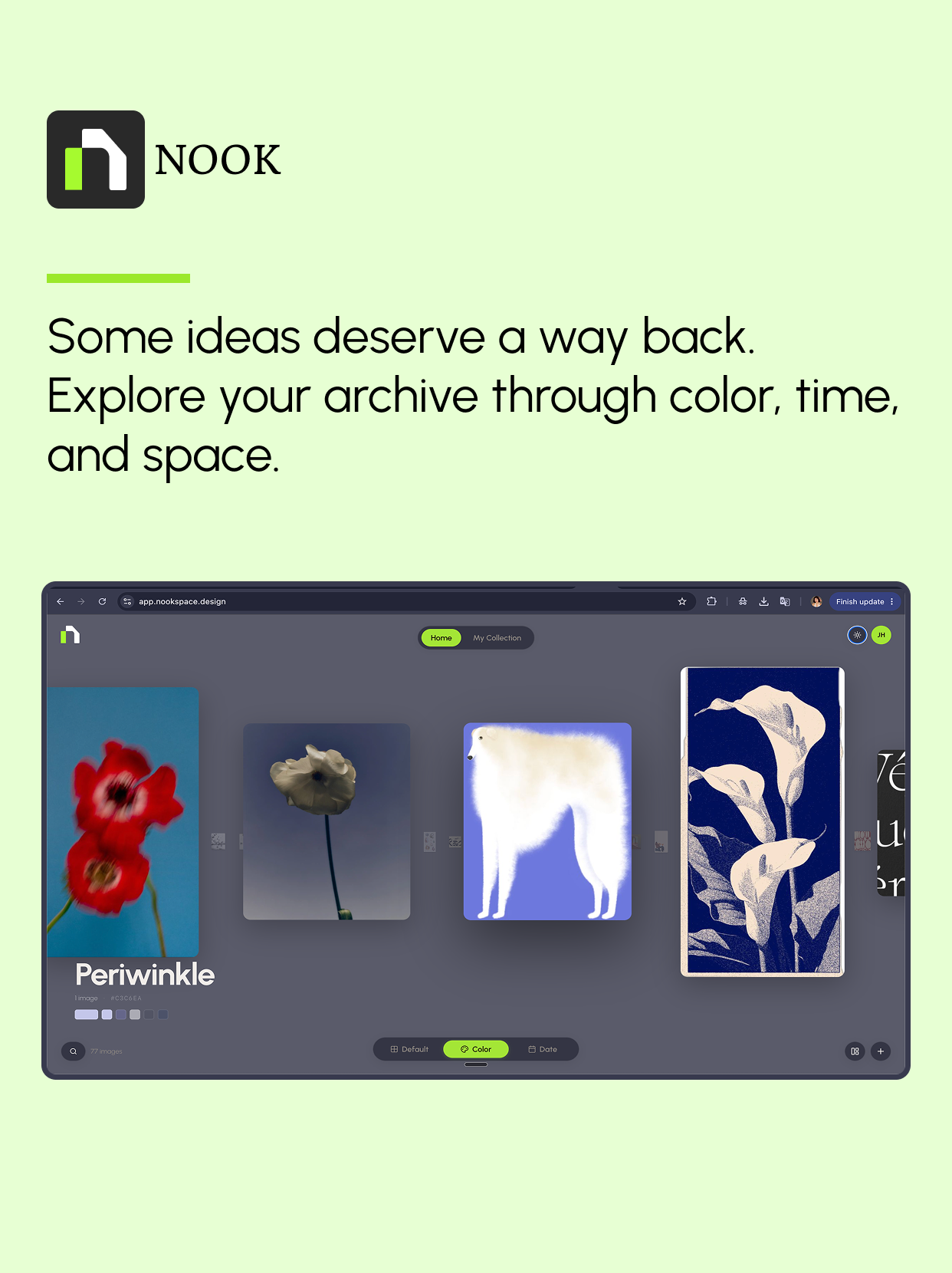
Users can quickly save images, links, and visual references into one personal archive. They can organize references into collections based on projects, moods, themes, or creative directions. A color-based browsing mode helps users rediscover inspiration through visual atmosphere rather than only folders or tags. The revisit experience is designed to feel calm, spacious, and reflective, allowing saved references to become useful again over time.
Design Direction
The interface was designed to feel less like a productivity dashboard and more like a personal creative room. I focused on a quiet visual language, generous spacing, and content-forward layouts so the user's inspiration could become the center of the experience.
Reflection
Building Nook helped me explore the relationship between product intuition, creative workflow, and rapid prototyping. It pushed me to think beyond interface design and into product behavior: how a tool feels over time, why users return to it, and how digital spaces can support creative memory.